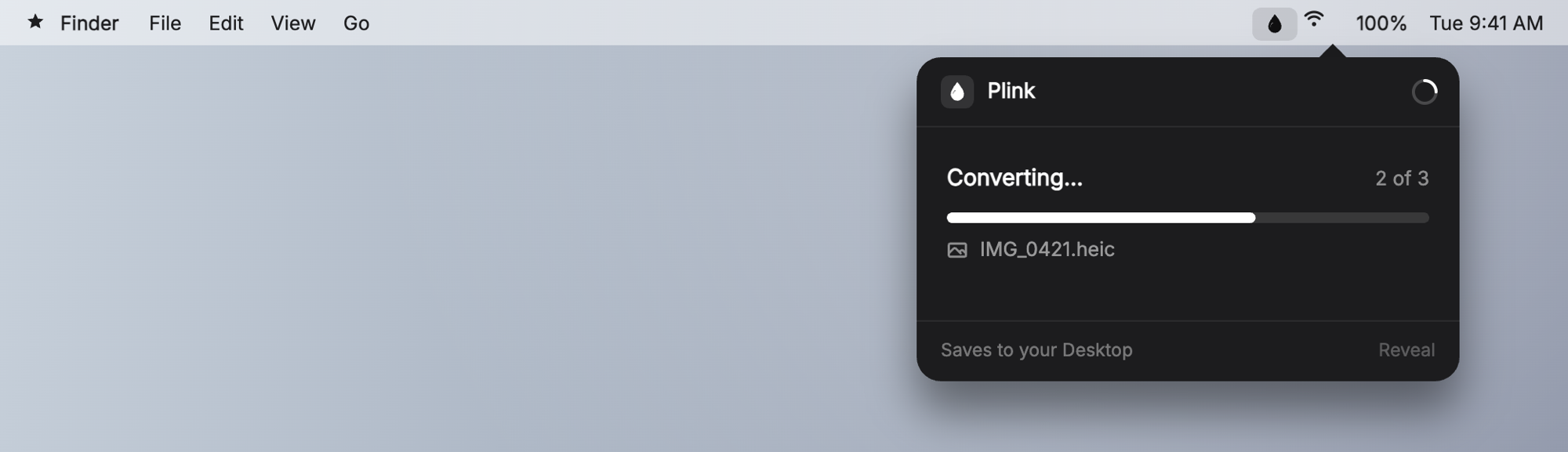
Plink is a free, open-source macOS menu bar app that turns iPhone HEIC photos into JPGs. Drag your photos in, and the JPGs plink onto your Desktop. That’s the whole app.
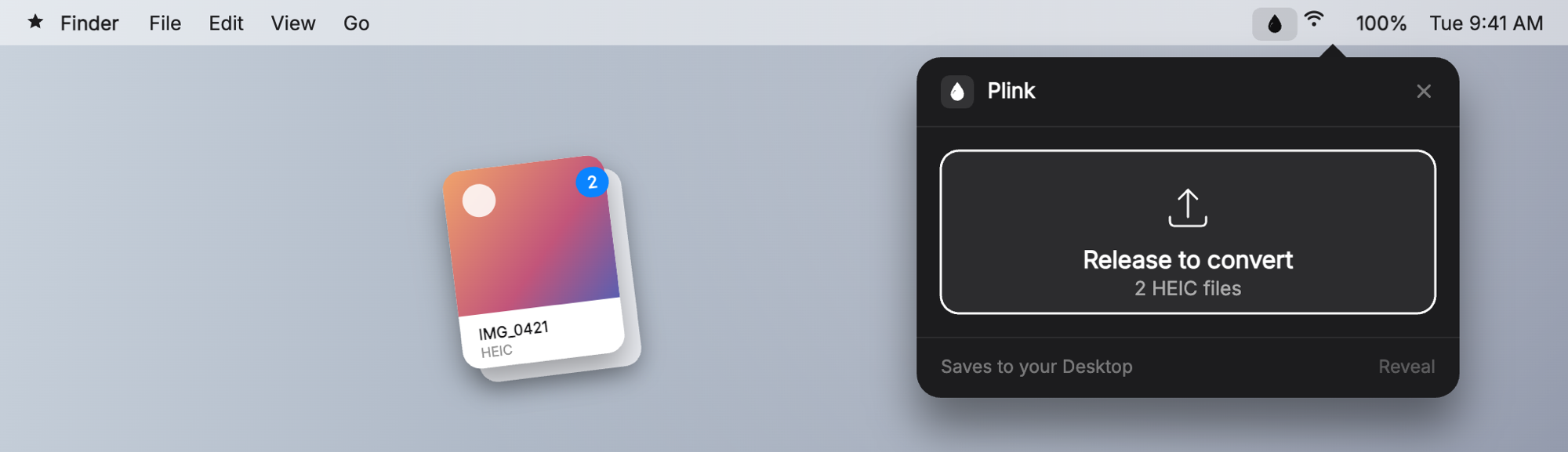
It’s a native AppKit app, about 200 KB, that lives in your menu bar. macOS reads HEIC natively through a framework called ImageIO, so Plink just asks the operating system to do the conversion. Nothing gets uploaded, nothing leaves your machine, and there’s no sketchy website in the loop.
Why I built it
I had a folder full of HEIC photos I kept needing as JPGs, and every fix was annoying. So I built the tool I wanted:
- Free and open source
- Tiny native app, around 200 KB, no Electron or bundled browser
- Fully local conversion, nothing leaves your Mac
- Drag-and-drop batch conversion
- A Finder Quick Action to right-click and convert without opening the app
- Pick where your JPGs land instead of always the Desktop
- Signed and notarized, so it downloads and opens with no Gatekeeper warnings
Get it
Download it at justplink.com, and the code is on GitHub.
I wrote up the full build story, dead-ends included, in How I Shipped My First Mac App.