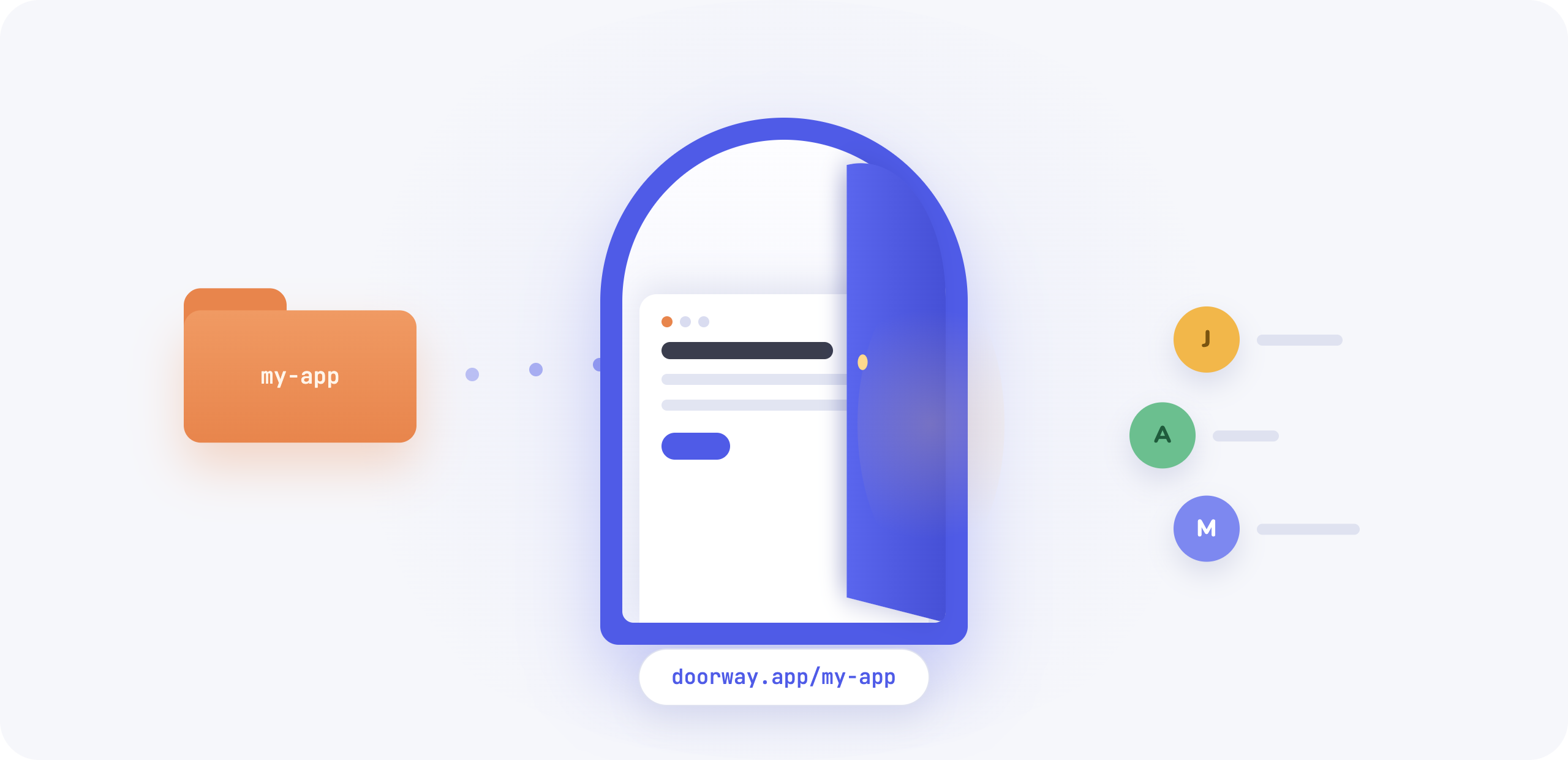
I have a graveyard on my Mac. Little tools I built for myself that actually worked: a budget tracker, a content calendar, a prompt tester I used every day for three months. Each one solved a real problem. Each one died the moment someone else needed to use it.
Sharing required Git, a deployment target, environment variables set correctly on someone else’s machine, and a README that assumed they already knew what a terminal was.
That’s the gap nobody talks about. Building the app is genuinely easier than it’s ever been. AI coding tools can take you from idea to working prototype in an afternoon. But when a second person needs to use that app, you’re suddenly staring at a completely different problem.
That’s what Doorway is about.
The gap between “it works on my machine” and “here’s a link”
The apps I build locally are usually small. A static HTML file, maybe a Vite project with a few components. Simple enough that any developer could set it up. Complicated enough that anyone else would just stare at it.
The traditional path out of that gap involves choosing a hosting platform, configuring a build pipeline, managing secrets, and somehow explaining all of this to whoever you’re trying to share with. That’s a lot of overhead for a tool you built in a weekend to solve one specific problem.
I wanted something simpler: drag in the folder, get a link.
Doorway does that. You sign in, drop in your finished app folder, and Doorway handles the rest. No terminal required. No deployment configuration. Give your little app a front door.
How it works
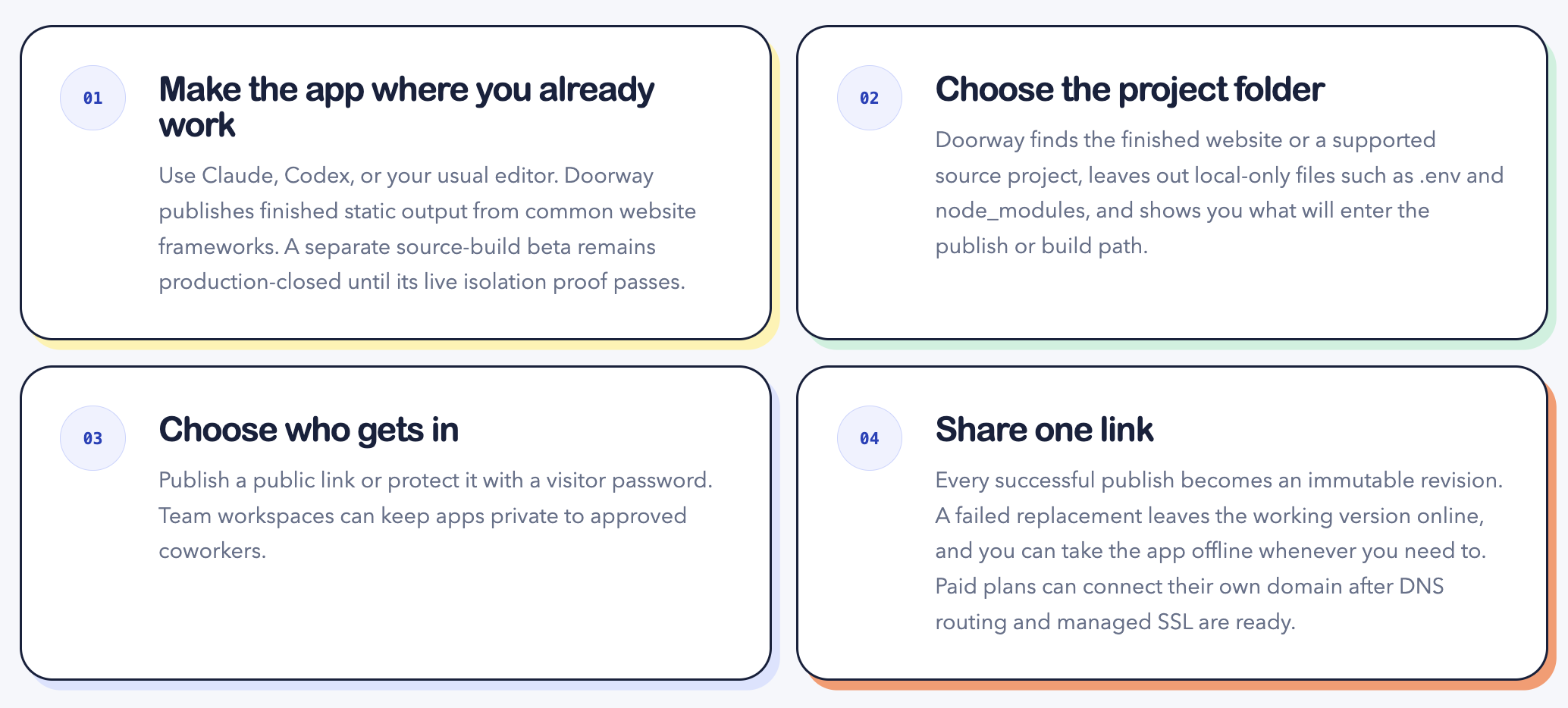
- Sign in and choose your folder. You can pick from the dialog or drag a folder directly into Doorway.
- Doorway checks locally before anything uploads. It looks for files you don’t want shared:
.envfiles,.gitfolders,node_modules, anything that shouldn’t leave your machine. - It scans for exposed API keys and AI integrations. If it finds something that looks like a live credential, it flags it before the upload starts.
- You review the safety check. You see what Doorway found and what it plans to omit. Then you click “Publish for free.”
- The server validates again, creates an immutable revision, and returns a public link. The app gets a friendly name. You can replace it, take it offline, reactivate it, or restore a previous version. If a replacement upload fails, the existing version stays up untouched.
That last point matters. Doorway runs two rounds of validation: one locally before the upload, one on the server after. The local check catches obvious problems fast. The server check is the source of truth.
What’s planned
The next major step is optional AI access. You’ll be able to add your own Anthropic or OpenAI API key to Doorway, then let a vibe-coded app use it without baking the credential into the uploaded folder. That means the app can keep making real model calls after it leaves your laptop. Connecting a key will be optional, so a plain static app can still work without a provider account.
The current version handles the single-player-to-shareable transition. A lot of what I want to build after that is about teams.
The problem with sharing internal tools at work is that everyone eventually needs access, but today that means everyone setting up their own OAuth connection individually. That friction kills adoption before the tool ever gets used.
The plan is a shared-folder experience: a team workspace where anyone on the team can access internal projects without each person individually wiring up their own login. You authenticate your identity through Google. Authorization to the workspace is a separate Doorway decision. Joining a team gets you access to what the team has published, with no per-person configuration overhead.
Other things on the roadmap: hard spending limits for connected AI keys, password protection for published apps, custom domains, private workspaces, shared ownership, roles, and audit history. None of that is live today. I’m documenting it so you know where this is heading.
Why I’m building this
I want the useful little apps I build to actually reach people. The ones that turned out to help a friend but required too much setup to share. The ones I built at work that couldn’t leave my machine without involving a whole deployment conversation. The ones I built for myself that I kept wishing I could hand off.
The building part got easy. The sharing part didn’t keep up. Doorway is an attempt to fix that.
If you have a finished static app sitting on your machine, give it a front door.